
World-Class Laptop Repair & Component Engineering
Expert chip-level repairs, screen replacements, battery upgrades, and liquid damage recovery for Apple MacBook, ThinkPad, ASUS ROG, Dell XPS, and more. Transparent HKD pricing.
HK Senior Technician 40x Microscope BGA Micro-Soldering
On-site Shek Mun lab: Senior HK engineer performing PMIC IC reballing & 0.02mm trace jump-wiring under 40x stereo microscope.
What's Wrong With Your Laptop?
Pick the closest symptom — we'll provide diagnosis, cost estimate, and booking options instantly.
Multi-Brand Repair Guides & Photo Step-by-Step Tutorials
Complete disassembly steps, HD photo replacement galleries, and required tool lists for all top laptop brands.

Apple MacBook Pro 14" (M1/M2/M3) Liquid Retina XDR Screen Assembly Replacement Guide
Shek Mun live case: Step-by-step disassembly guide to replace the Liquid Retina XDR screen display assembly on 14-inch MacBook Pro models without damaging ALS sensors.
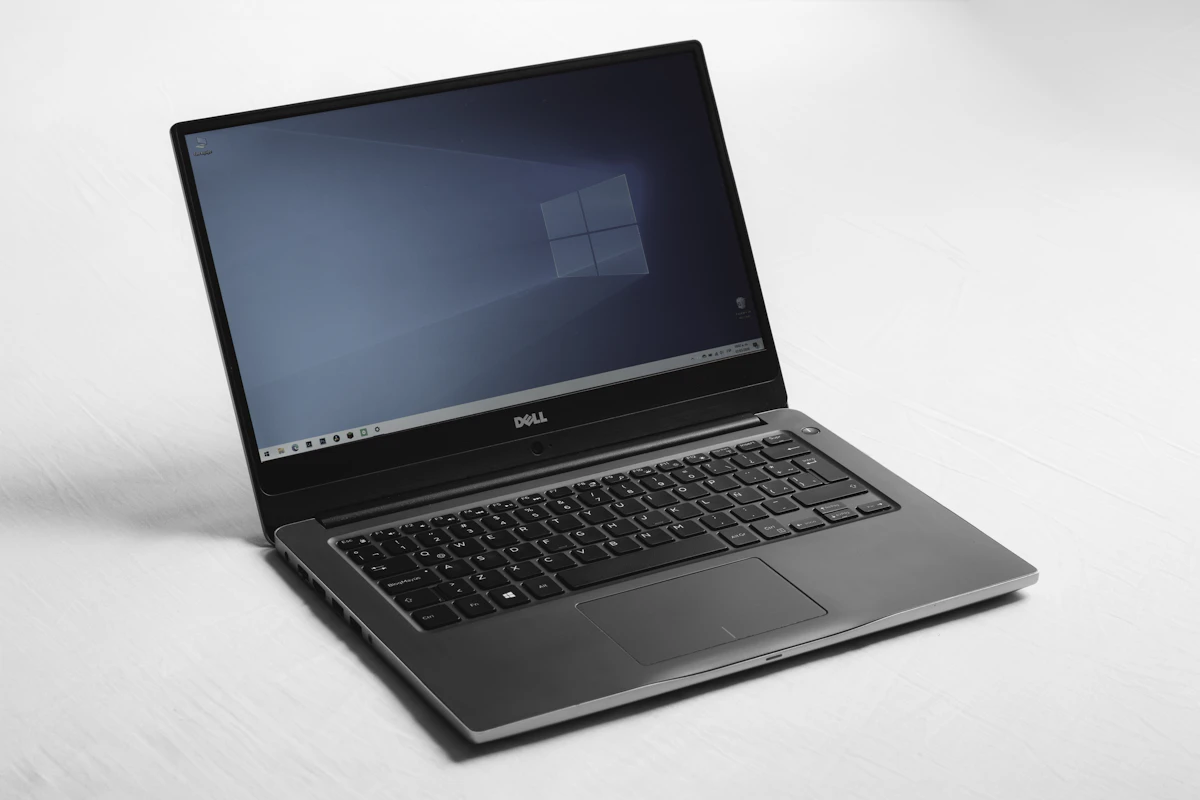
Lenovo ThinkPad X1 Carbon (Gen 9/10/11) Genuine Battery Replacement & Fan Cleaning
Quick 20-minute guide to replace the internal 57Wh high-density battery in ThinkPad X1 Carbon series to fix battery drain issues.

ASUS ROG Zephyrus G14/G16 Thermal Dust Cleaning & Liquid Metal Repaste
Complete thermal maintenance guide for high-performance ROG gaming laptops, including vapor chamber removal and safe liquid metal coating.

Dell XPS 13/15 Type-C Power Delivery IC (TPS65987) Chip-Level Motherboard Repair
Advanced motherboard repair guide for Dell XPS laptops suffering from blown USB-C PD chips, no charge symptoms, and 20V rail faults.

MacBook Pro / Air Emergency Liquid Damage Ultrasonic Cleaning & Component Recovery
Emergency rescue process for liquid damaged MacBooks. Learn how to ultrasonically wash logic boards and replace shorted MLCC caps.

Microsoft Surface Laptop 4 / 5 Screen Glass Assembly Replacement
Detailed guide for Surface Laptop screen replacement detailing precise frame heating to slice adhesive without cracking the casing.

HP Spectre x360 / OMEN 16 Main 19V Power Rail Short Circuit & MOSFET Repair
Real repair guide for HP Spectre / OMEN laptop power rail faults. Shows MOSFET replacement and 0.02mm micro-jumper line reconstruction under microscope.
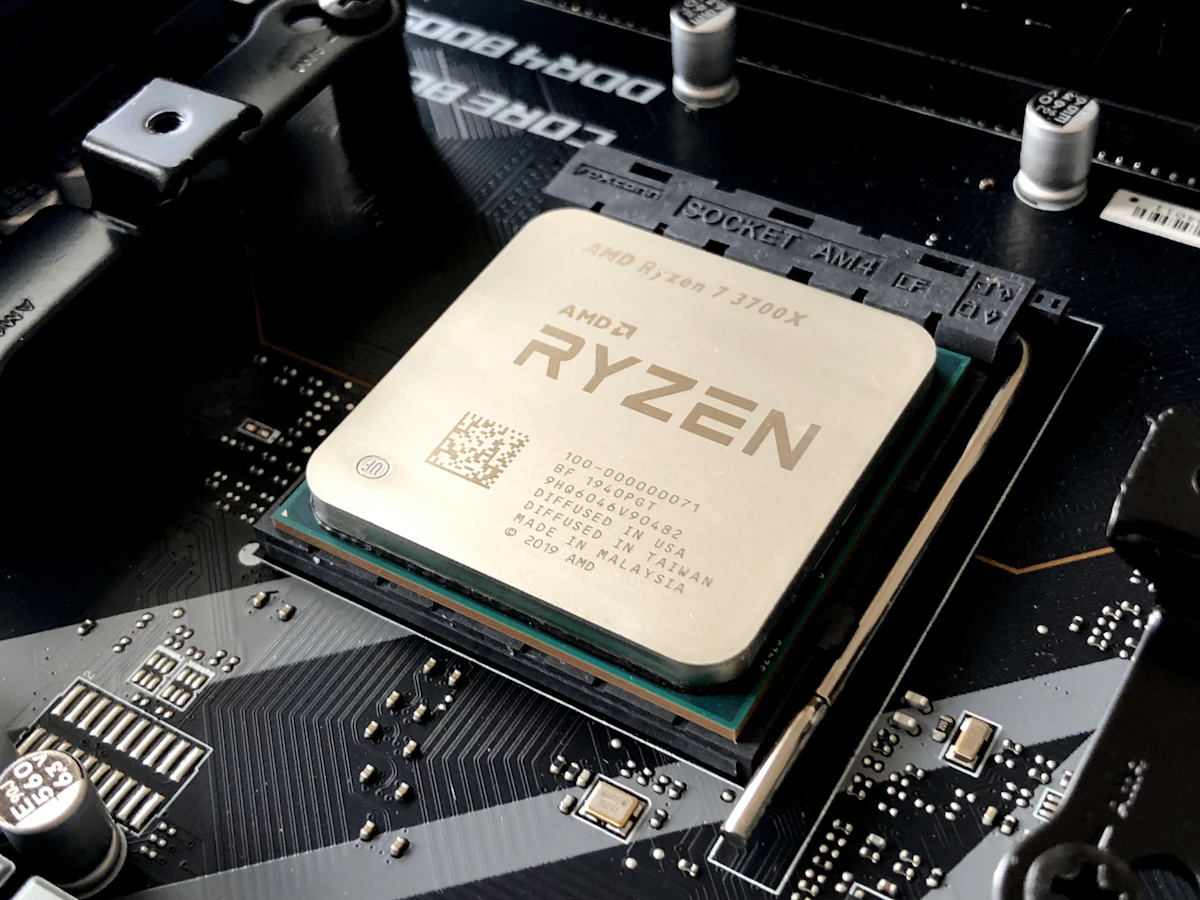
Razer Blade 15/17 Swollen Battery Replacement & Vapor Chamber Upgrade
Safety guide to remove dangerous swollen batteries in Razer Blade gaming laptops and optimize internal thermal dissipation.
Published Repair Pricing — Know Before You Book
All prices in HKD, parts & labor included. 180-day warranty on all repairs. No fix, no fee.
Screen Replacement (LCD/LED/Mini-LED)
MacBook Retina, ThinkPad, ASUS ROG, Dell XPS genuine-grade panel replacement
Battery Replacement & Upgrade
Fix swollen battery, trackpad lift, sudden shutdowns with genuine-grade high-capacity cells
Chip-Level Motherboard Repair
Professional BGA micro-soldering, PMIC replacement, short-circuit diagnostics, Type-C repair
Liquid Damage Recovery
Coffee/soda/seawater spill emergency treatment, 40kHz ultrasonic deep cleaning & de-corrosion
Keyboard Replacement
ThinkPad, MacBook, ASUS OEM-feel keyboard module replacement & individual keycap repair
Data Recovery & Rescue
HDD/SSD/NVMe professional data recovery, Class 100 cleanroom, 98.5% success rate
Our Repair Process
Four-step professional process — from intake to QC testing. Fully transparent, customers welcome to observe.
Intake & Registration
Bring your laptop to our Shek Mun flagship or use free SF Express pickup. Device registration & repair authorization.
Professional Diagnosis
Full hardware diagnostics using oscilloscope, thermal camera & 40x microscope. Transparent quote on-site — no fix, no fee.
Chip-Level Repair
HK certified technicians perform precision repair using German hot-air rework stations, BGA reballing & genuine-grade parts. Watch live on-site.
QC Testing & Handover
Post-repair 2-hour stress test, burn-in validation & full function check. Receive diagnostic report & activate 180-day warranty.
Real Repair Cases Showcase
Transparent real-world repair cases for MacBook, ThinkPad, ROG, Dell. Saved clients up to 75% compared to full motherboard replacement quotes.
MacBook Pro 14" M2 Max (A2779) ISL9240 Power PMIC Micro-Soldering Case
Sudden total power loss. Charger stuck at 5V 0.02A draw without booting.
Engineer Step Log
- •1. Applied flux and desoldered ISL9240 IC at 350°C using hot air station
- •2. Cleaned pads with copper braid and reflowed lead-free SAC305 solder balls
- •3. Micro-soldered new ISL9240 PMIC and replaced capacitor C9201
- •4. Verified 20V 3.25A handshake up-rail; macOS booted seamlessly with all user data intact
Browse All Repair Cases
Showing 6 successful repairsMacBook Pro 14" M2 Max (A2779) ISL9240 Power PMIC Micro-Soldering Case
Sudden total power loss. Charger stuck at 5V 0.02A draw without booting.
ThinkPad X1 Carbon Gen 10 Liquid Damage, Ultrasonic Bath & 0.02mm Jumper Wire Case
Spilled green tea over keyboard; immediate black screen with burnt odor.
ASUS ROG Zephyrus G16 240Hz EDP Flex Ribbon Pin Micro-Repair Case
Screen flickered with vertical colored stripes when adjusting angle; eventual black screen.
Dell XPS 15 (9530) RTX 4070 Overheating & PTM7950 Thermal Repaste Case
GPU temperature spiked to 98°C within 5 mins, triggering severe thermal throttling down to 300MHz.

Razer Blade 15 Thunderbolt 4 USB-C Port Micro-Soldering & Reinforcement Case
USB-C charging plug felt loose; eventually stopped negotiating 20V power.

MacBook Air 13" M3 (A3113) Shorted Motherboard & NAND Data Recovery Case
Overvoltage from third-party charger burned motherboard; 512GB irreplaceable design files at risk.
Frequently Asked Questions
Filter questions by category: Hardware Issues, Payment, Warranty, Liquid Damage, and SF Express Pickup.
Self-Diagnostic Troubleshooting Checklist
Follow these step-by-step checks before booking. Over 25% of common issues can be fixed at home for free!
No Power / Won't Turn On
Laptop unresponsive, LED lights off, or shuts off seconds after pressing power.
Unplug charger and all USB peripherals. Hold Power Button for 15-20 seconds. Release, wait 10s, then reconnect charger.
Plug into a known working wall socket. Try a secondary 65W/100W USB-PD charger or OEM adapter.
Unplug all USB drives, docks, mice, and external monitors. A shorted USB accessory triggers motherboard shutdown protection.
Observe if charging LED turns orange/white. Toggle CapsLock key to see if key LED responds. If light toggles, mainboard is alive.
First check the charger light and hold the power button for 15 seconds to hard reset. If there is still no response, it indicates power management IC, CPU rail, or RAM short circuit. Our engineers perform free on-site oscilloscope & thermal diagnostics.
AI diagnostics available 24/7 · Shop 12:00–19:00 or book in-store repair
Upload photo or describe symptoms. Our AI system instantly estimates repair costs and part availability.