Laptop Repair Blog
Written by Laptop King senior repair engineers. Expert laptop repair knowledge, maintenance tips, and tech insights.
Showing 101 articles
Laptop USB-C / Thunderbolt Dock Not Recognised (Advanced): After the Basic Checks, Tracing the Dock Chain Through Cable, Power, Video, Controller, and BIOS Security Layers
The basic checks are done but the dock is still not detected, partly failing, or dropping under load? This advanced guide works through the dock chain layer by layer: cable, power negotiation, video pipeline, controller, firmware, embedded controller, BIOS security levels, drivers and power management, covering E-marker chips, passive versus active cables, Power Delivery contracts, DisplayPort Alt Mode versus Thunderbolt tunnelling, compression, DisplayLink, bandwidth sharing, hub power budgets and chaining limits, with a symptom map, cross-testing, Hong Kong shared-dock context, misdiagnosis traps, BitLocker data safety, and a repair, replace, or upgrade framework.
Laptop Charging Still Intermittent After Basic Checks (Advanced): Tracing Intermittent Charging Through Port, Cable, PD Negotiation, Battery, EC, and Mainboard Layers
Basic checks done — another genuine charger tried, another socket tried, restarted, battery health checked — yet charging still cuts in and out, breaks when the cable moves, or only works when the plug is held firmly? This advanced article covers intermittent charging only, layer by layer: port, cable, charger, negotiation, battery, embedded controller, and mainboard. It explains USB-C tongue wear, CC pins and the four-step PD negotiation, E-marker power limits, dual-port charger fallback, power meter readings, the movement test, cleaning rules, charging light misunderstandings, charge limit false faults, Modern Standby wake behaviour, Hong Kong humidity and commuting wear, misdiagnosis traps, repair and replacement decisions, a pre-service checklist, and data safety reminders.
Laptop Battery Not Detected (Advanced): Tracing 'No Battery Detected' Through SMBus, Authentication Chips, Fuel Gauge, EC, Connector, BIOS, and ACPI Driver Layers After Basic Checks
The battery is physically installed, you have reseated it, rebooted, and checked Device Manager, yet the system still says 'No battery detected'? This advanced article covers only the battery-not-detected layer: first split the three presentations — completely unresponsive, power but not recognised, intermittently recognised — then trace each layer: SMBus communication, Lenovo / HP authentication locks, fuel gauge IC, EC firmware, connector pins, BIOS detection, Windows ACPI driver enumeration, four-dimension third-party compatibility, and protection-board lockout, with a powercfg / Device Manager / BIOS cross-check table, a layered exclusion flow, misdiagnosis traps, Hong Kong Sham Shui Po / humidity / commuting mechanism links, a replace / board-repair / EC-reset decision framework, a pre-send-in checklist, and data safety reminders.
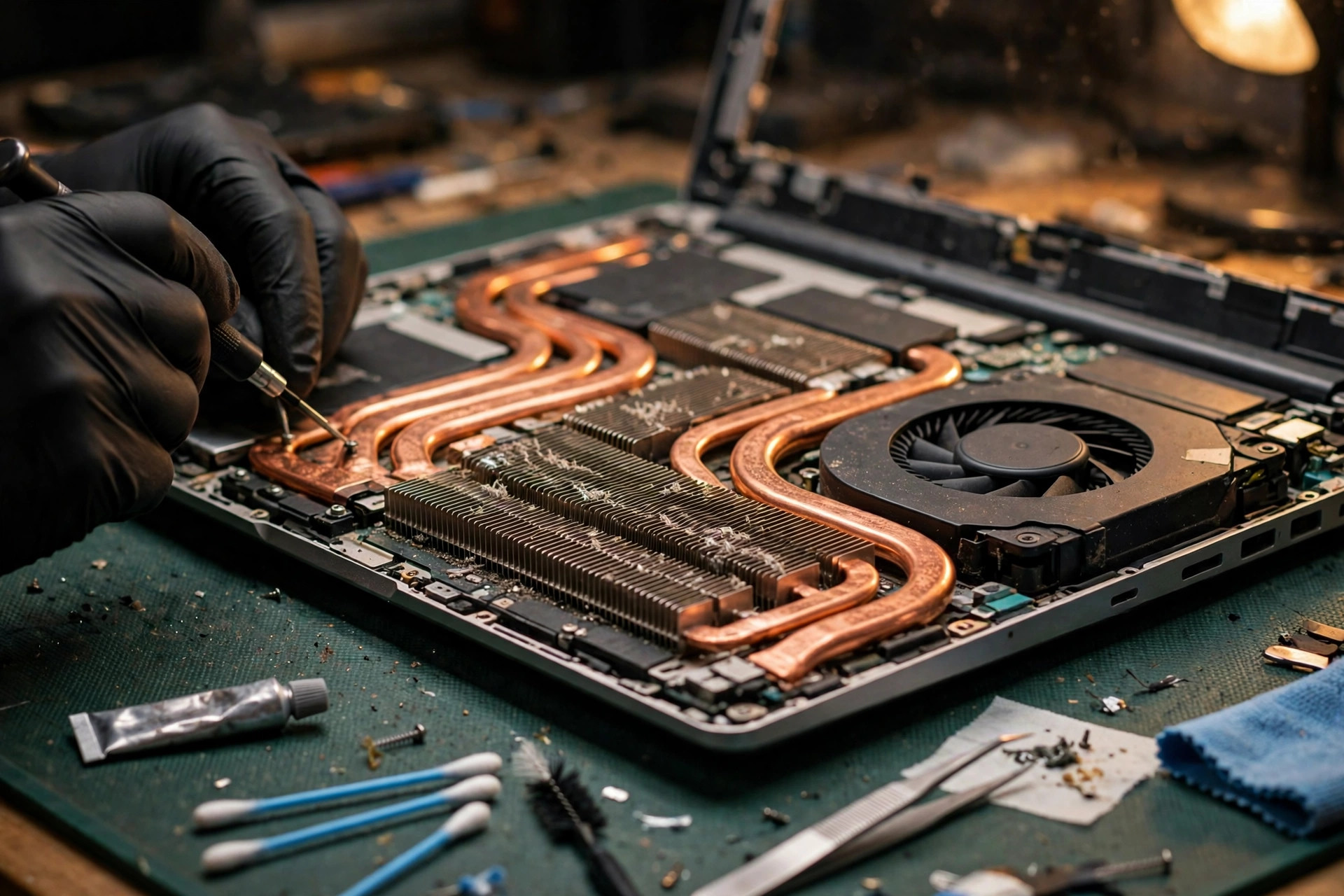
Laptop Still Overheating After Cleaning and Repasting (Advanced): From Heat Pipes and Fan Control to Power Walls and the Board Layer
A laptop still overheating, throttling, or shutting down after cleaning, repasting, BIOS and driver updates, and a cooling pad should not go through basic checks again. This guide branches on eight symptoms, then narrows layer by layer through sensor, fan and airflow, conduction, power and firmware, and board layers, explaining heat pipe and vapour chamber failure, deep fin blockage, fan PWM and EC control, sensor misreporting, paste pump-out, Intel PL1 and PL2 and AMD STAPM and PPT power walls, blocked bottom intakes, chassis warping, and power-stage and localised short heating, with Hong Kong humidity, dust, commuting, and summer room temperature context, misdiagnosis traps, a repair, replace, or upgrade framework, and a pre-inspection checklist.
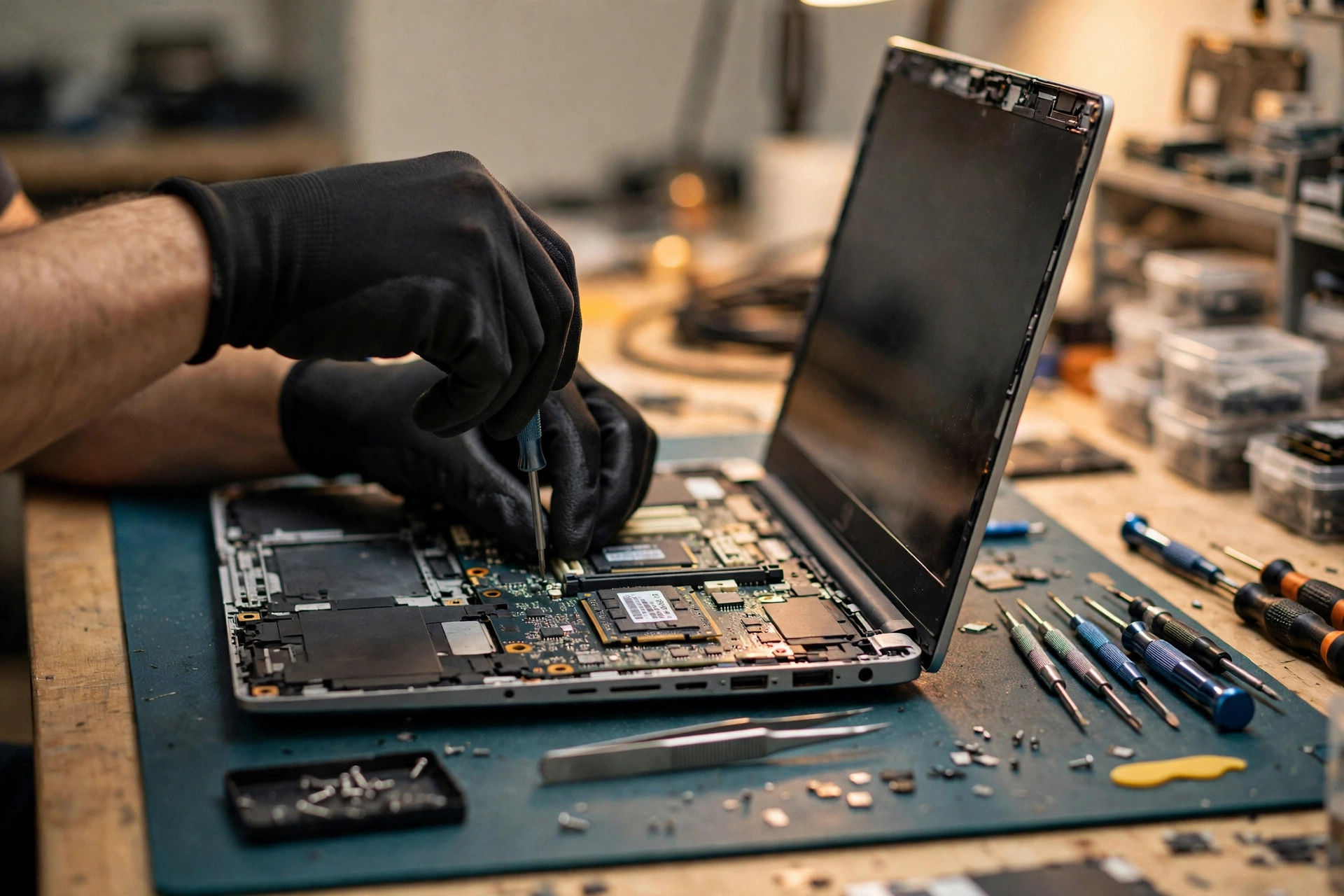
Laptop SSD Disappears Intermittently (Advanced): From PCIe Links and Power States to Slots, Power Rails, and the Board Layer
A laptop SSD that is sometimes detected and sometimes not — or vanishes mid-use — should never be assumed dead, and never blamed on Windows by default. This advanced guide separates three disappearances (missing at BIOS level, visible to BIOS but not Windows, vanishing mid-use), then works through the mechanism layers: PCIe link training, the two stacked power-saving handshakes ASPM and APST, firmware, thermal throttling versus thermal disconnect, slot screws and standoffs, Hong Kong humidity and contact oxidation, BIOS modes, Modern Standby and Fast Startup, and drivers versus controller versus board power rail — with a seven-layer elimination sequence, common misdiagnosis traps, and a repair, replace, or upgrade decision framework, with data safety first throughout.
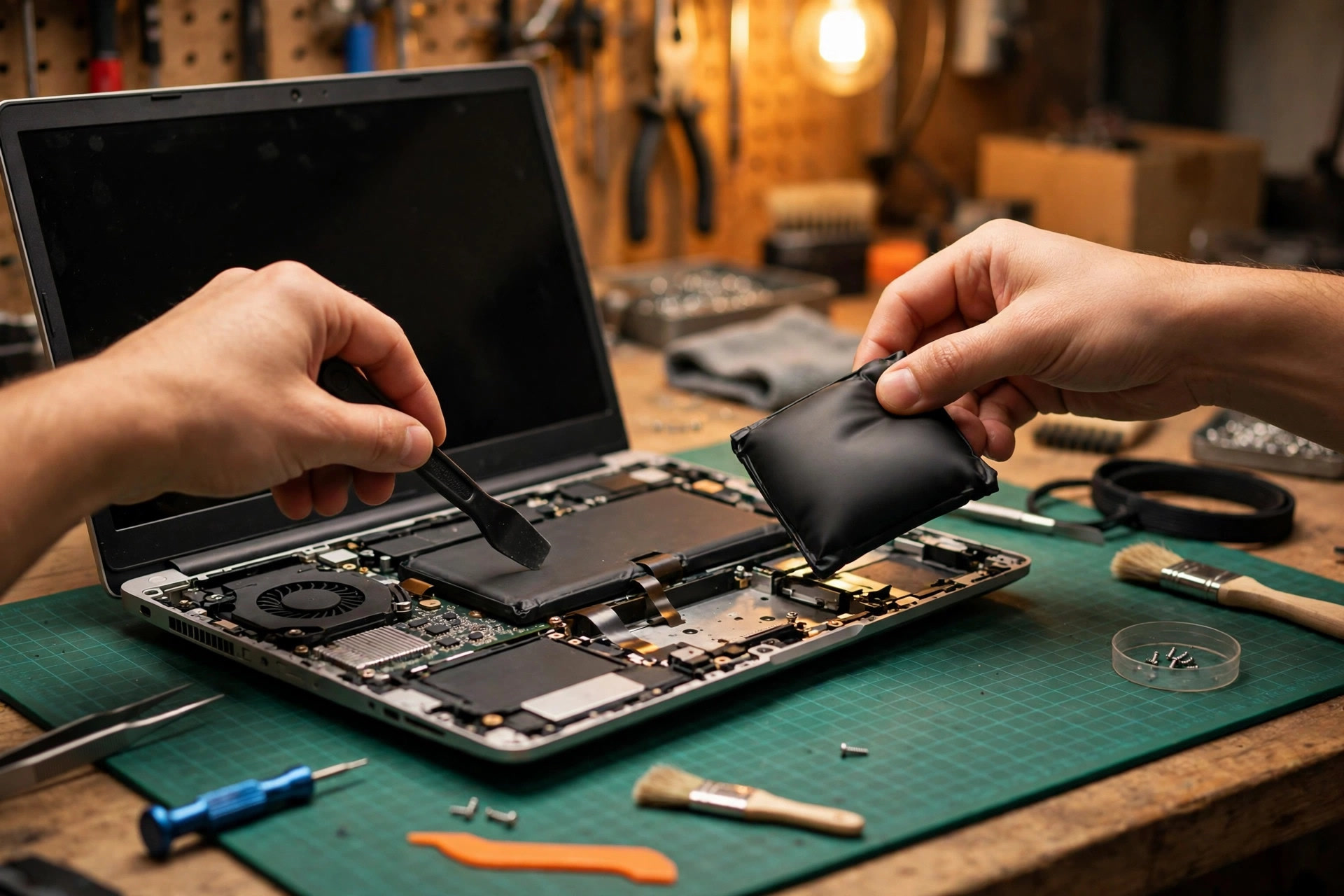
Laptop Battery Drains Fast and Shuts Down Early (Advanced): From Cells, Protection, and Fuel Gauge to Charger and Board Layer
Basic checks done, yet the battery still drains fast or shuts down before zero? This advanced article separates the layers: cell aging and internal resistance, weak-cell imbalance, protection cutoff, and fuel gauge drift, then traces the full causal chain of voltage sag under sudden heavy load, and tells an undersized charger from a board-layer fault. With Hong Kong heat, humidity, and commuting context, a layered elimination sequence, misdiagnosis traps, and a repair, replace, or upgrade framework. Backup always comes first, because a sudden shutdown risks data loss.
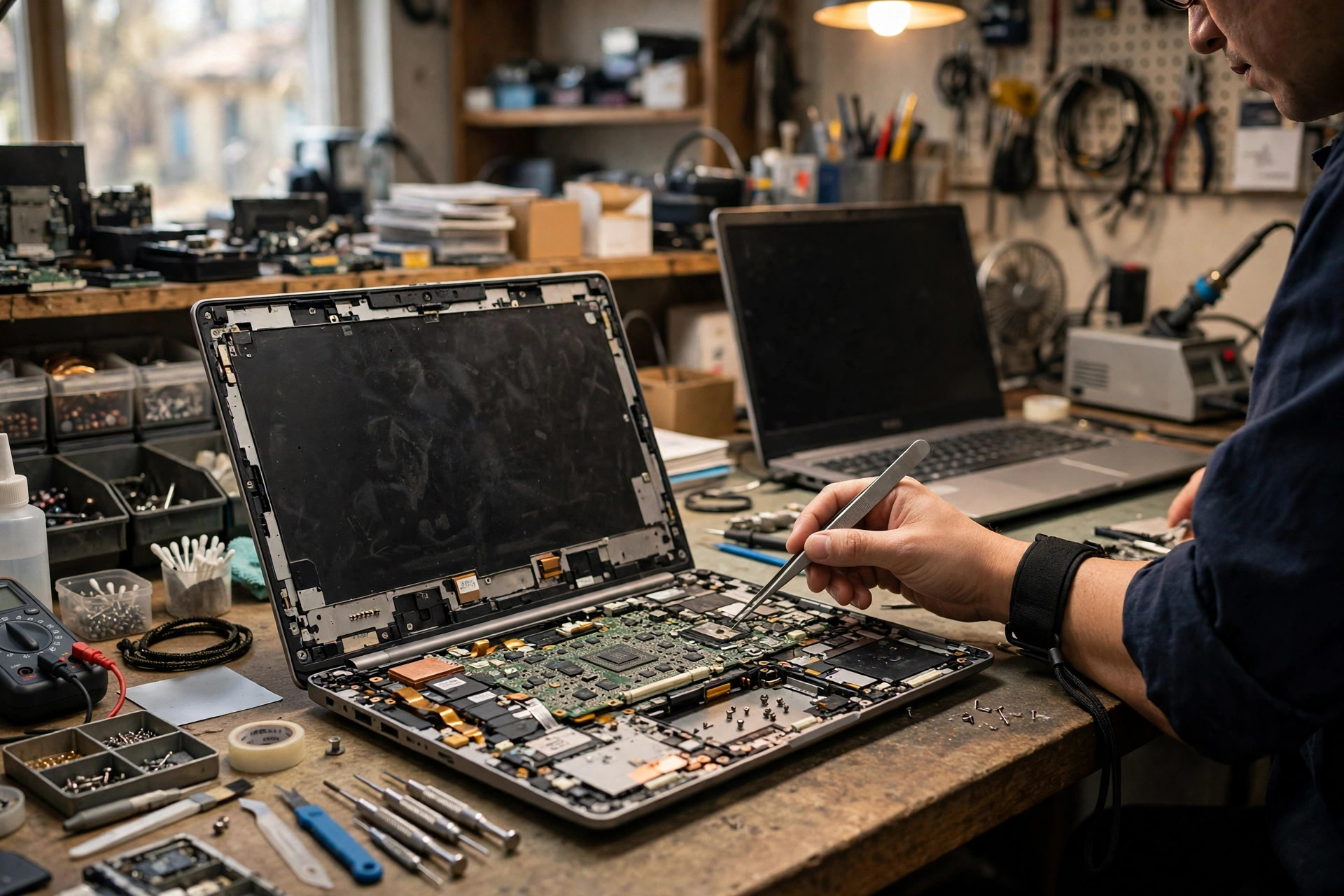
Laptop Random Freeze and Restart (Advanced): After the Basic Checks, Tracing the Fault Layer by Layer Through Driver, Memory, Storage, Power, Heat, and Board
Basic checks done, yet the laptop still freezes or restarts for no clear reason? This advanced article separates the symptom type first and the layer second: from reading Event Viewer, layer by layer through driver and firmware, memory, storage, power, cooling and power limit walls, and board and embedded controller, with a layered elimination sequence, Hong Kong humidity, commuting, and condensation context, common misdiagnosis traps, and a repair, replace, or upgrade framework. Backup always comes first, because a freeze or restart risks data loss.
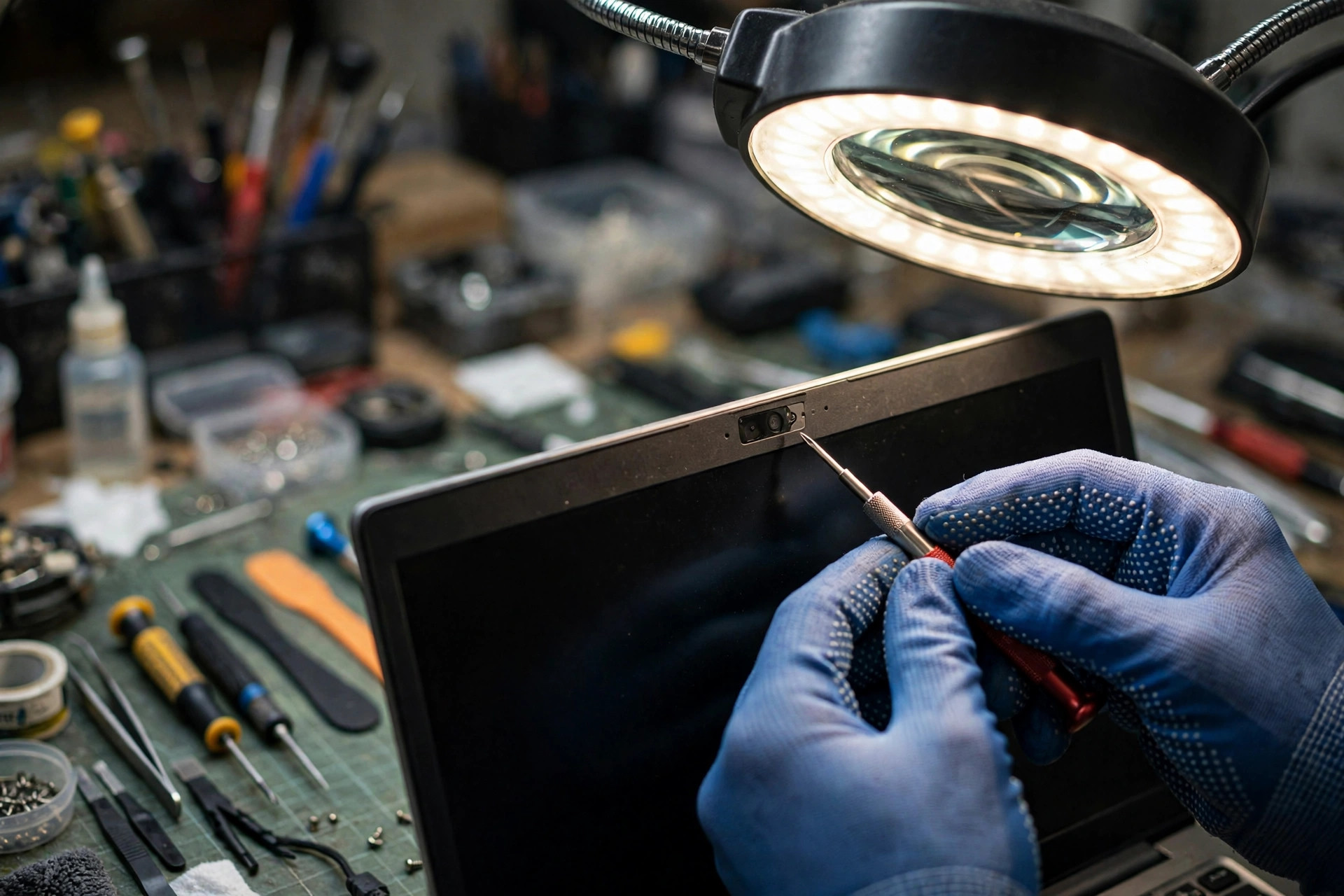
Laptop Camera and Microphone Not Working (Advanced): A Seven-Layer Diagnosis, Branching on Three Symptom Patterns
A laptop camera with no picture, a microphone with no sound, or only one side failing in a video meeting: do not conclude first that the camera, microphone, or motherboard is broken. This guide works through seven diagnostic layers (privacy shutter, permissions, drivers, BIOS, cable, module, motherboard USB controller), branches on camera-picture-but-no-sound, microphone-sound-but-black-camera, and both failing together, and covers Hong Kong humidity and commuting context, mixed Zoom, Teams, and Google Meet use, 12 misdiagnosis traps, a repair-replace-upgrade framework, and privacy reminders.

Laptop Bluetooth Not Working (Advanced): A Ten-Layer Diagnosis, Branching on Six Symptom Patterns
Laptop Bluetooth still failing after basic checks: do not conclude first that the headset, mouse, or module is broken. This guide works through a ten-layer diagnosis (physical switch, flight mode, BIOS, drivers, Bluetooth services, pairing data, audio modes, 2.4 GHz interference, Wi-Fi and Bluetooth coexistence, USB 3.0 interference, module, antenna routing, motherboard), branches on six symptoms — cannot be found, pairing fails, connected then drops, choppy audio, mouse lag, worse the moment the microphone opens — and covers A2DP and HFP mode switching, Hong Kong MTR and office 2.4 GHz crowding, 12 misdiagnosis traps, a repair-replace-upgrade framework, and the information to state before inspection.
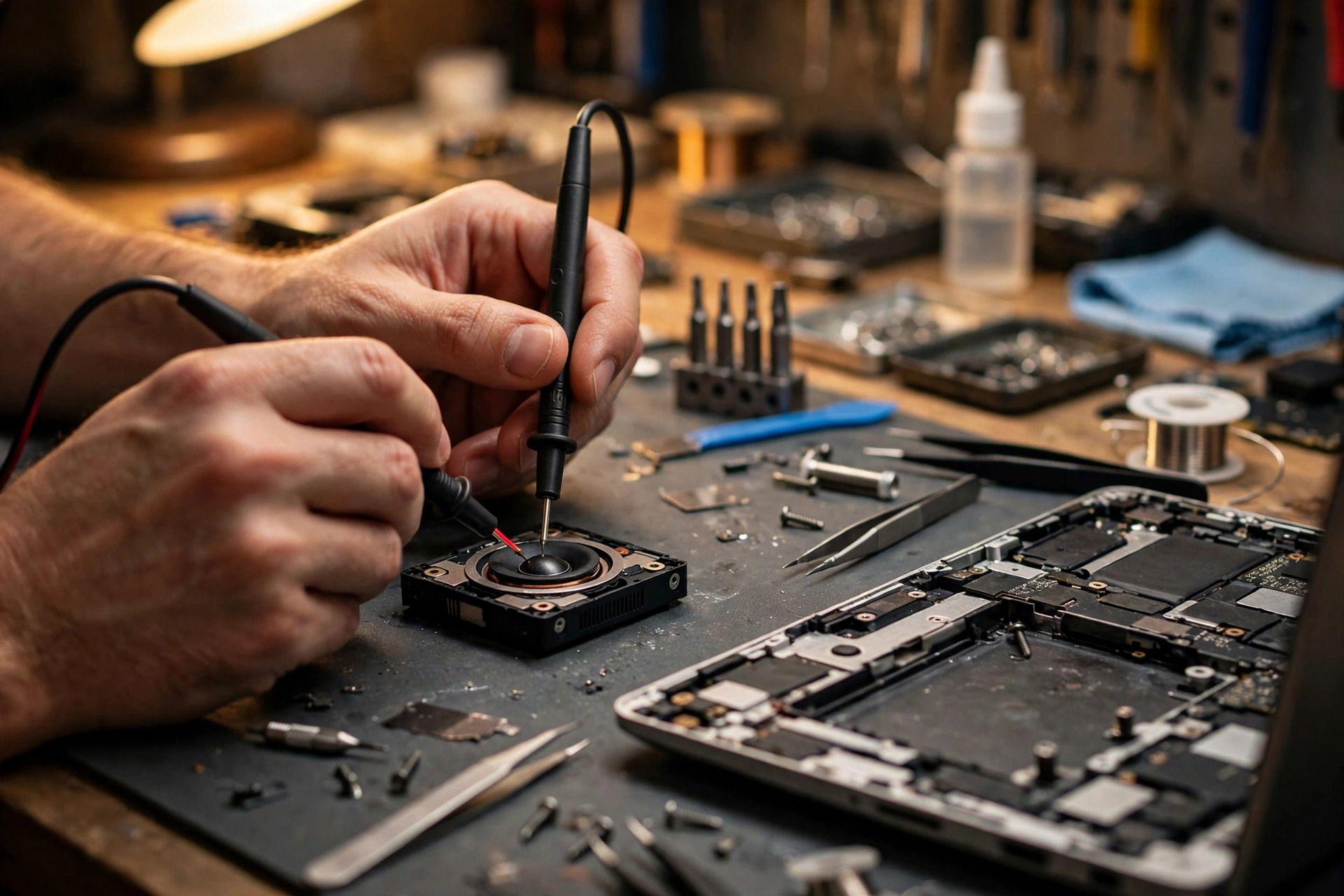
Laptop Built-in Speakers Still Crackling or Silent After Basic Checks (Advanced): An Eight-Layer Diagnosis, Branching on Seven Symptom Patterns
Laptop built-in speakers still silent, crackling, sandy, one-sided, or intermittent after basic checks: do not conclude first that the speaker unit is broken. This guide works through an eight-layer diagnosis (settings layer, driver layer, enhancement and format layer, jack detection layer, amplifier layer, speaker unit layer, cable and connector layer, mainboard audio layer), separates built-in speakers, wired headphones, Bluetooth devices, and USB audio devices into four paths, and compares seven symptoms, fourteen misdiagnosis traps, a repair and replacement decision framework, temporary option boundaries, and an inspection checklist.
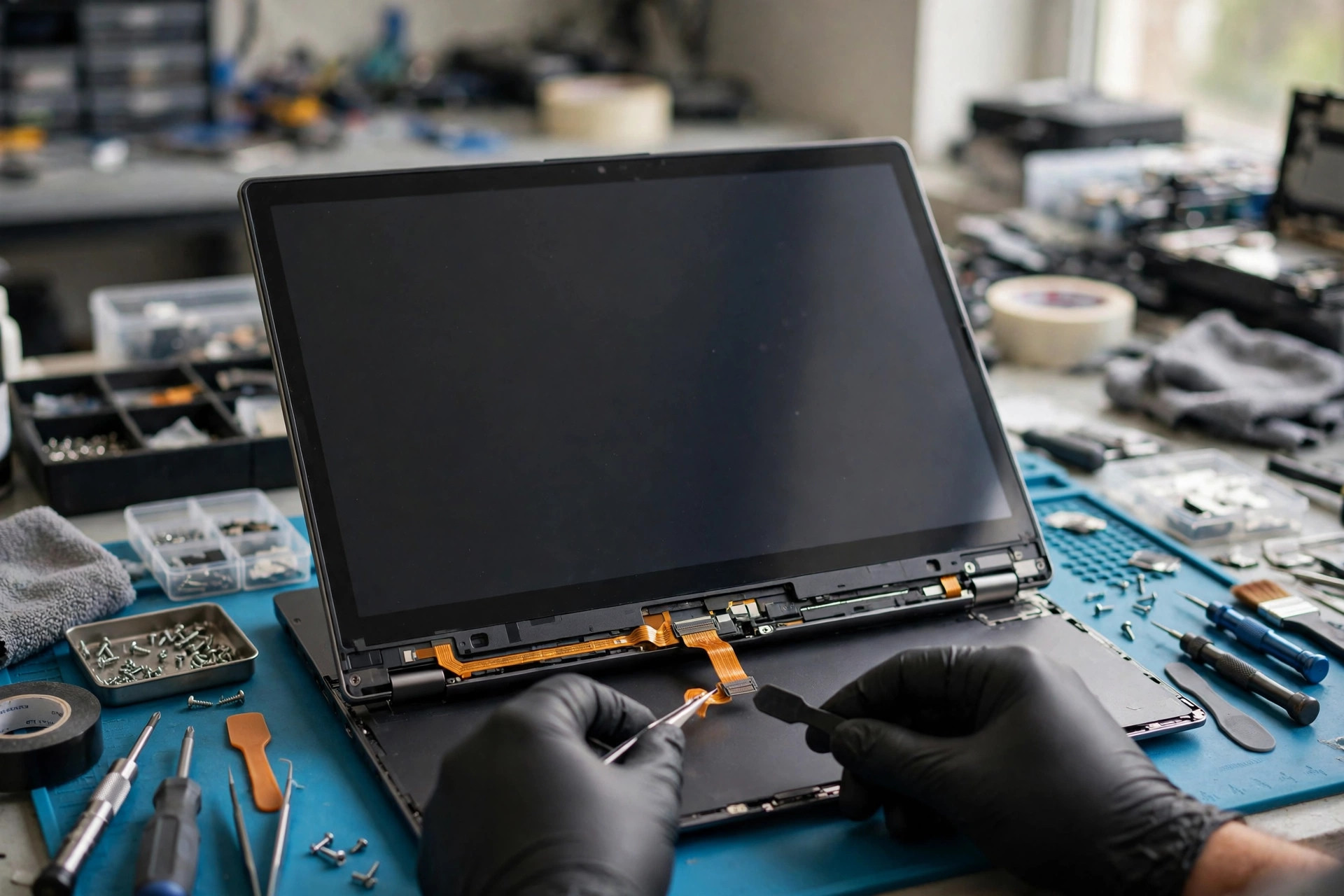
Laptop Touchscreen Still Not Responding After Basic Checks (Advanced): Branching on Five Failure Patterns, From the HID Layer to Cable and Mainboard Channel
A laptop touchscreen still failing after basic checks should not be treated as one fault. This guide branches on five patterns (whole-screen no touch, local dead zones, edge and corner failure, ghost touch, and stylus branching), then narrows layer by layer through HID over I2C enumeration, Code 10, the touch sensing layer, hinge cable, BIOS and EC, three calibration jobs, and stylus protocols, against fourteen misdiagnosis traps, a repair and replacement decision framework, and a pre-inspection record list.
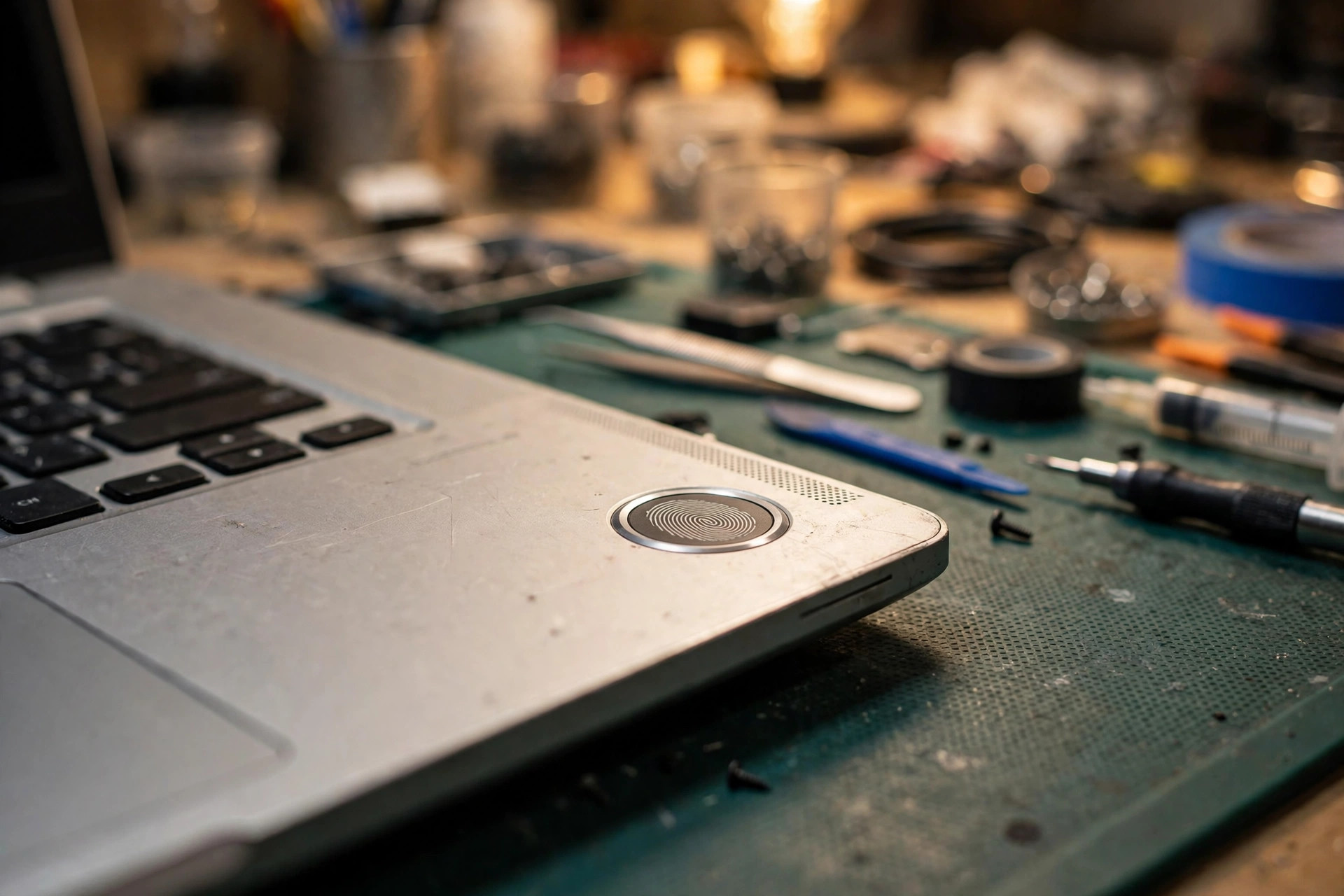
Laptop Fingerprint and Windows Hello Still Not Working After Basic Checks (Advanced)
A laptop fingerprint reader or face sign-in still failing after basic checks should not be treated as one fault. This guide branches on six symptoms (sensor not recognised, enrolment failure or never matching, sleep and wake failure, PIN working with biometrics greyed out, one method only failing, and failure after an update or account change), then narrows layer by layer through sensor types, bus and power, the Windows Biometric Framework, template storage, TPM and credential separation, IR cameras, policy, the driver stack, and firmware enablement, with Hong Kong humidity and commuting factors, misdiagnosis traps, a repair, replace, or upgrade framework, and a pre-inspection checklist.
Showing 13 of 101 articles