📌 Key Takeaways
- •Heat — sustained high temperatures age cells noticeably faster. Dust-clogged vents and using the machine on a bed or sofa are the most common culprits we see.
- •Living at 100% — holding a high-voltage full charge for long periods accelerates cell wear.
- •Deep discharges — regularly running to 0% before recharging stresses cells more than shallow charge cycles.
Laptop Battery Care: The Ultimate Guide to Charging Habits, Cycle Counts, Health Checks, and Swollen-Battery Safety
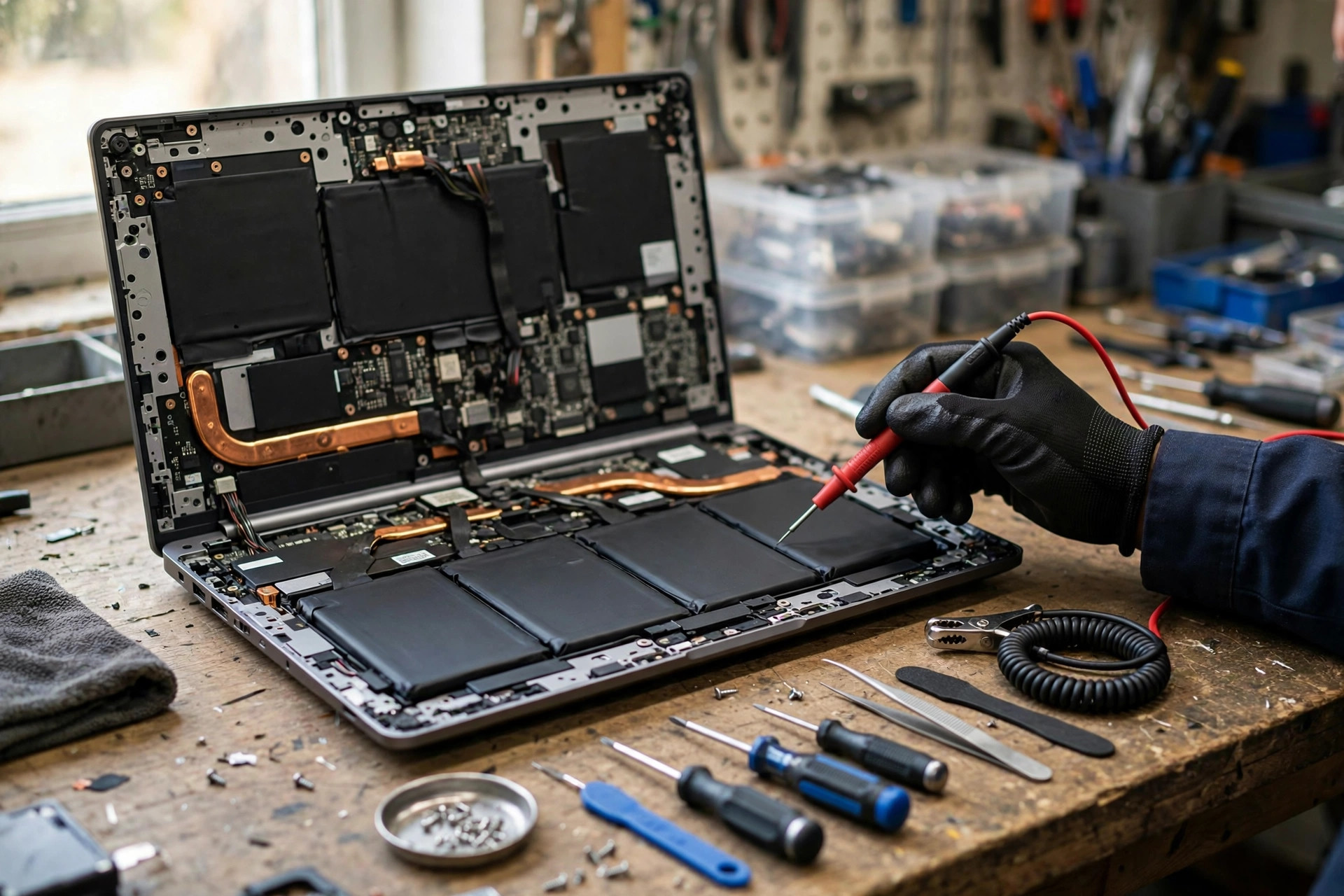
Every day our shop hears the same line: "Three years ago this laptop lasted a whole morning; now it's dead an hour after a full charge." In most cases the board, SSD, and keyboard are all fine — it's the battery's chemical lifespan that has run out. Lithium batteries are consumables. How long they last depends on how you use them, not which brand you bought. This guide covers it from a repair-shop angle: how batteries age, how to use the 20–80% rule, where each brand's charge limit lives, how to check battery health, and how to handle a swollen battery safely — with every factual claim traced to official or published sources.
How lithium batteries age: heat, full charge, and deep discharge are the three killers
Battery degradation is chemistry, not mechanical wear. Three factors accelerate it:
- Heat — sustained high temperatures age cells noticeably faster. Dust-clogged vents and using the machine on a bed or sofa are the most common culprits we see.
- Living at 100% — holding a high-voltage full charge for long periods accelerates cell wear.
- Deep discharges — regularly running to 0% before recharging stresses cells more than shallow charge cycles.
That is where the "20–80% rule" comes from: not superstition — chemistry.
What counts as a charge cycle? Apple's official definition
Many people think one plug-in equals one cycle — wrong. Apple's support documentation defines a charge cycle as the cumulative use of charge equal to 100% of the battery's total capacity, not necessarily in one go. Apple's example: use 50% today and recharge fully, then use 50% tomorrow and recharge again — that is one cycle, not two. If you only use 30% a day before recharging, it can take three days to complete one cycle.
This definition kills the "frequent charging damages batteries" myth: unplugging halfway and plugging back in does not, by itself, count as a full cycle.
Always plugged in? Use your brand's charge limit
If the laptop lives on the desk plugged in all day, sitting at 100% is the real killer. Every major brand now offers an official charge limit:
| Brand | Feature | Limit options | Where to find it |
|---|---|---|---|
| Lenovo | Conservation Mode (IdeaPad / Yoga / Legion) | Around 55–60% | Lenovo Vantage → Device → Battery |
| Lenovo | Charge Threshold (ThinkPad) | Custom, commonly 80% | Lenovo Vantage battery threshold settings |
| ASUS | Battery Health Charging | Balanced 80% / Maximum Lifespan 60% | MyASUS → Device Settings → Power & Performance |
| Dell | Battery settings | Primarily AC Use / custom threshold | Dell Power Manager / MyDell |
| HP | Battery management | Adaptive battery optimization | HP utility / BIOS |
| Microsoft Surface | Smart Charging | 80% cap | Surface app → Battery & charging |
| Apple MacBook | Optimized battery charging | 80% limit (manually settable on newer versions) | System Settings → Battery |
| Windows 11 | Smart Charging | Depends on hardware support | Settings → Power |
Rule of thumb: desk-bound machines should use the lowest limit; machines you carry daily can use 80% or 100%.
Checking battery health: Windows and Mac
Need a laptop repair expert?
Free diagnosis · Transparent pricing · No fix, no fee · 180-day warranty
Windows: powercfg /batteryreport
1. Right-click Start → Terminal (no admin rights needed)
2. Type powercfg /batteryreport and press Enter
3. Windows shows where it saved the report, usually C:\Users\YourUserName\battery-report.html
4. Open the file and look at the Installed batteries section:
- DESIGN CAPACITY — the capacity when new
- FULL CHARGE CAPACITY — what a full charge holds now
- CYCLE COUNT — full cycles used so far (not shown on all models)
5. Health = Full Charge Capacity ÷ Design Capacity × 100%
The report also includes Battery capacity history (capacity trend over time) and Battery life estimates (runtime comparison) — both are very useful for diagnosis.
Mac: System Settings + System Information
- Health: Apple menu → System Settings → Battery → Battery Health → check "Maximum Capacity".
- Cycle count: hold Option → Apple menu → System Information → Hardware → Power → Cycle Count.
Battery health interpretation table
| Health (full charge ÷ design capacity) | Condition | Advice |
|---|---|---|
| 90% or above | Excellent | Keep your current habits |
| 80–89% | Normal ageing | Start paying attention; consider a charge limit |
| 70–79% | Noticeable degradation | Runtime will be clearly shorter; plan for a battery swap |
| Below 70% | Heavy wear | Replacement usually makes most sense |
| Swelling / deformation | Safety issue | Stop using immediately, do not charge, send for service |
Typical lifespan numbers by model family (all sourced)
- MacBook (Apple official): most modern MacBooks are designed for 1,000 cycles at up to 80% of original capacity, beyond which the battery is considered consumed (older models vary by model at 300/500 cycles — see the article). Source: Apple's support article "Determine battery cycle count for Mac laptops".
- Typical Windows laptops (published research range): under normal use, lithium batteries retain about 80% capacity after roughly 300–500 full cycles. Source: Battery University published research; ASUS's own documentation cites about 80% after 300 cycles (depending on usage conditions).
Swollen battery warning signs: know them
An ageing or damaged lithium battery can swell as gases build up inside. Warning signs:
- Trackpad bulging, clicking badly, or lifting out of place
- Base no longer sits flat; gaps or deformation in the chassis
- A keyboard area bulging or feeling different to type on
- Unusual smell or a faint hissing sound (possible gas leakage)
Handling a swollen battery safely (based on Macworld and iFixit safety guidance)
1. Shut down and unplug immediately — charging a swollen battery carries a fire risk.
2. Do not puncture, press, or try to flatten it — puncturing can cause a short circuit, fire, or chemical exposure.
3. Place it on a non-flammable surface (stone, concrete), in a ventilated, cool spot, away from flammables.
4. Send it to an official or repair service promptly; swollen batteries must not go in normal waste and need proper recycling.
5. If you see smoke, unusual heat, or leaking liquid, stop handling it and call for help if needed.
Pricing notes
All repair work is quoted in writing after inspection. Confirmed routine prices:
| Item | Price |
|---|---|
| Battery | HK$580 up |
| Screen | HK$1,280 up |
| Main board chip-level | HK$880 up |
| Keyboard | HK$480 up |
| Other repairs | Quoted in writing after inspection |
FAQ
Q1: Does leaving my laptop plugged in all the time damage the battery?
A1: Living at 100% accelerates ageing. The right fix is your brand's charge limit: Lenovo Conservation Mode (around 55–60%), ASUS Battery Health Charging (Maximum Lifespan 60%), with similar options from Dell, HP, and Surface. Charge limits are official features, not hacks.
Q2: Is charging overnight while I sleep a problem?
A2: Yes. After it hits 100%, the battery sits at high voltage all night, which ages it faster. Use a charge limit or Apple's Optimized Battery Charging (which delays the final top-up until just before you wake) instead of holding 100% all night.
Q3: My battery health is 75%. Do I have to replace it?
A3: No hard rule — 75% means roughly a quarter less runtime. If it still covers your day, keep using it. Signals to replace: it can't get you through a workday, it shuts down unexpectedly, or it starts swelling. Ultimately, it's about whether it still works for you.
Q4: My trackpad is bulging upward. Is it the battery?
A4: A bulging trackpad is the most common early sign of battery swelling. Stop charging, don't press on it, shut the machine down, and bring it in for a free diagnostic to confirm. Swelling never reverses on its own — waiting only makes it worse.
Need Professional Laptop Repair?
Laptop King has 15+ years of repair experience in Shek Mun, Sha Tin. Free diagnosis, transparent pricing, no fix no fee. 180-day warranty for your peace of mind.