Managing a Company Laptop Fleet: Refresh Cycles, Repair Decisions, and Secure Data Disposal
A dozen to a few dozen laptops, no dedicated IT staff, colleagues covering repairs on top of their day jobs — this is the reality for many Hong Kong SMEs. Fleet problems arrive as fire drills: a dead battery at the worst moment, a fan too loud for meetings, old machines that cannot move to Windows 11, and retired drives nobody is sure how to wipe. This guide takes a repair shop's view: refresh cycles, the repair-vs-replace decision, preventive maintenance, bulk drop-off workflow, and certified data destruction.
Refresh cycles: the 3–5 year industry consensus
The industry consensus for enterprise laptop refresh is 3–5 years, with the tipping point around year 4. Hardware warranties commonly use a 36-month baseline, extendable to 60 months.
| User role | Suggested refresh cycle | Why |
|---|---|---|
| Executives / frequent travellers | 3 years | Heavy carrying; hinges and chassis wear faster; higher security needs |
| General office staff | 4 years | Performance and battery clearly decline by year 4 |
| Light / shared machines | 5 years | Low usage, slow degradation |
| Construction / logistics (rough environments) | 2–3 years | Impacts, dust and moisture accelerate ageing |
Windows 11 is the biggest single refresh trigger. Windows 10 support ended on 14 October 2025; Windows 11 requires TPM 2.0 (listed by Microsoft as non-negotiable), Secure Boot, 8th Gen Intel or newer / AMD Ryzen 2000 or newer, 4GB RAM, and 64GB storage. Many "incompatible" cases are simply TPM disabled in BIOS — enabling it fixes the check. But 2017-era 6th/7th Gen business machines officially cannot upgrade, and most machines around 5 years old fail the hardware bar, forcing replacement. Bypass methods are not recommended for installing Windows 11 on unsupported hardware in a business environment.
Repair vs replace: the 50% rule
The 50% rule is an industry rule of thumb with multiple independent sources — not an official standard:
| Condition | Recommendation |
|---|---|
| Repair costs under 40% of an equivalent new machine | Usually worth repairing |
| Repair costs over 50% of an equivalent new machine | Replacing is usually the better value |
| Annual repairs exceed 15–20% of the machine's replacement value | Consider replacing |
| Under 3 years old + isolated fault (bad SSD, RAM upgrade, single part) | Repair; targeted SSD/RAM upgrades can clearly extend usable life |
| Board/CPU failure, multiple faults, 6–7+ years old | Replace |
| Battery discontinued or parts unavailable | Replace |
Board-level repair is where a specialist repair shop earns its place: authorised centres often only offer full motherboard replacement (a single shorted capacitor can mean a whole new board), while chip-level repair replaces just the failed component at a much lower cost.
Preventive fleet maintenance: battery, cooling, SSD
Business machines should get a professional service about every 6 months; dusty environments need a shorter interval.
Battery. Lithium batteries drop to about 80% of original capacity after roughly 300–500 full charge cycles, with noticeable ageing after about 2–4 years of daily use. Windows has a built-in report — run powercfg /batteryreport from an admin Command Prompt to see design capacity vs full charge capacity and the cycle count. Consider replacement when capacity falls below 50% of the design value. A bottom cover that no longer sits flat, or a touchpad that bulges, means a swollen battery: swelling is caused by electrolyte decomposition producing gas, the cell is chemically unstable, and it must never be punctured to release gas — stop running on battery power and bring it in.
Need a laptop repair expert?
Free diagnosis · Transparent pricing · No fix, no fee · 180-day warranty
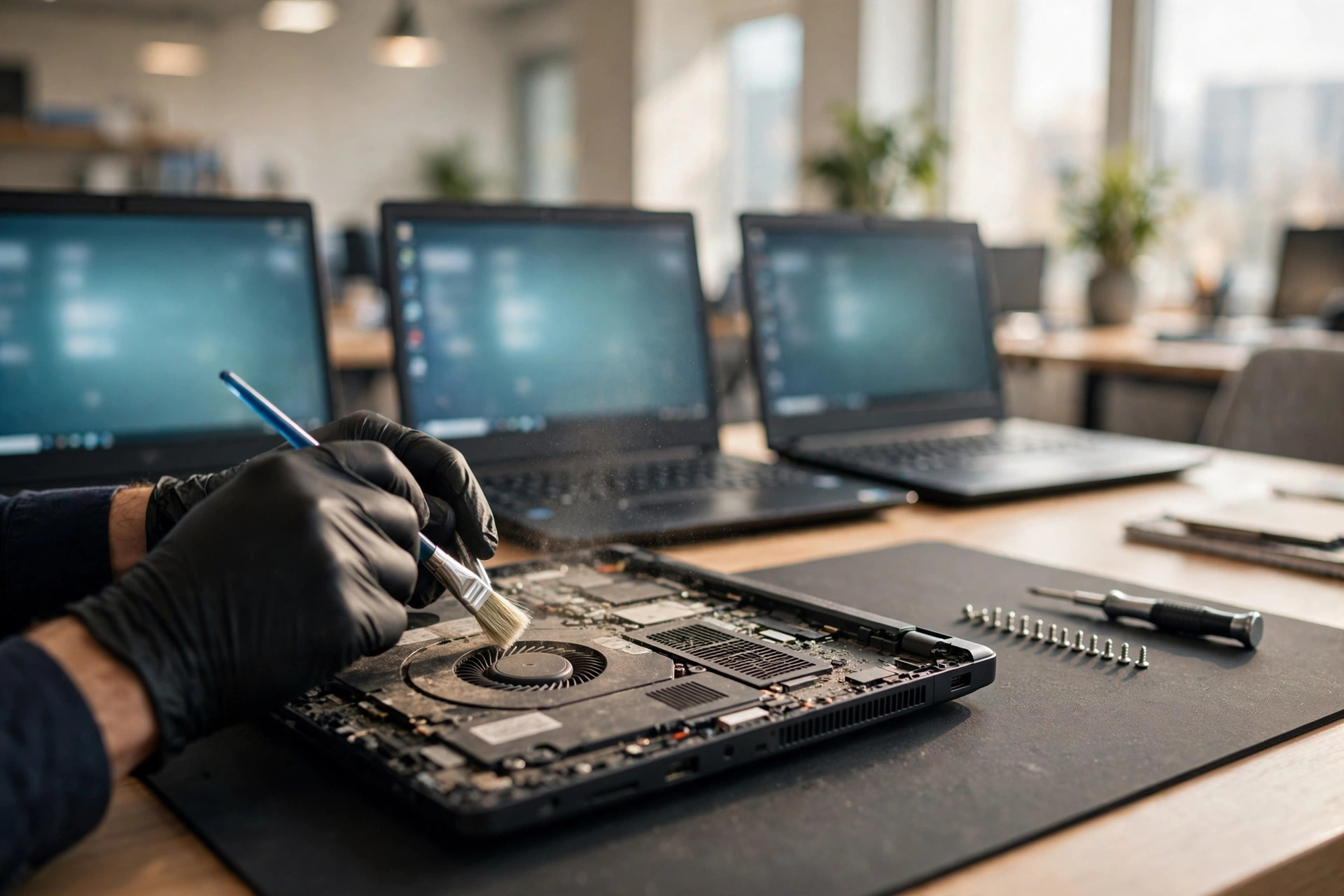
Cooling. Vents clog with dust in 3–6 months of normal use; clean them with compressed air about every 90 days. Heavy users should replace thermal paste every 12–18 months; the rule of thumb: if temperatures under the same workload are 5–10°C higher than 12 months ago, it is time for a repaste. Grinding, clicking, or rattling from the fan means worn bearings — the fan needs replacing.
SSD. A 1TB consumer SSD is typically rated 300–600 TBW (terabytes written); ordinary office use of 10–35GB per day means a lifespan well over 10 years — SSDs are rarely the reason an office fleet refreshes. But SSDs can fail with almost no warning, so check them with CrystalDiskInfo: Percentage Used, Available Spare, and Media/Data Integrity Errors (this should be 0). Sustained temperatures above 60°C count as overheating.
For more on cooling specifically, see our gaming laptop repair guide — the thermal principles are the same, even if the workload differs.
Annual maintenance checklist (work through it machine by machine)
| # | Check | What to do | Frequency |
|---|---|---|---|
| 1 | Dust removal (fan, heatsink fins, vents) | Compressed air, outside-in, after shutdown | Quarterly |
| 2 | Cooling assessment | Record idle/load temperature baselines; investigate a 5–10°C rise vs last service; listen for fan noise | Every 6 months |
| 3 | Battery health | Run batteryreport; check for swelling | Every 6 months |
| 4 | Keyboard + touchpad | Test every key; a "spongy" touchpad may be a swollen battery pushing from below | Every 6 months |
| 5 | Hinges, ports, charging | Open/close test; check charging and USB ports for looseness and charging speed | Every 6 months |
| 6 | SSD health | CrystalDiskInfo: Percentage Used, Available Spare, Integrity Errors | Yearly |
| 7 | System health | OS, driver and BIOS updates; confirm backups succeed (ideally verify a restore) | Yearly |
| 8 | Asset records | Update asset tags, service dates, parts replaced, next service due | Every service |
Bulk drop-off workflow (5–20 machines at once)
Open an individual ticket per machine at intake: record the model, serial number, company asset tag, and included accessories (charger, dock), take photos, and have both sides sign off on the machine's condition. The standard framework: known fault → direct quote; unknown fault → diagnostic quote first, repair quote after diagnosis — no work without written approval. We recommend an independent report and quote per machine, so the company can decide unit by unit which machines are worth repairing and which should retire.
Three things the company should do before sending machines in: a full backup; enable BitLocker full-disk encryption (AES) — even if the SSD is removed and read elsewhere, an attacker could only recover unreadable encrypted data; and do not hand over passwords or recovery keys to the repair shop unless OS-level testing is genuinely required (minimum access). A loaner pool covers downtime during repair — record the borrower, return date, and condition at handover.
Secure retirement: NIST SP 800-88
A machine leaving the company (resale, donation, lease return) needs more than a format. NIST SP 800-88, the widely referenced media sanitization guideline, defines three levels: Clear (overwrite via standard interfaces; fine for reuse within the same organisation), Purge (media-specific commands — cryptographic erase, ATA Secure Erase, NVMe Sanitize; resists laboratory-level recovery; the right level when a machine leaves the company), and Destroy (physical destruction; for dead drives or highly sensitive data).
SSD warning: internal wear levelling means OS-level overwriting does not reach every block, so SSDs require Purge-level commands — ordinary overwriting or formatting is not enough. "Formatting" only deletes the filesystem index; recovery software can get the data back in minutes. Retirement should be documented with a certificate of data destruction listing the model, serial number, storage type, NIST level, method, result, and date.
Pricing notes
Fleet repairs vary by model and batch size — all work is quoted in writing after inspection. Confirmed routine prices for reference:
| Item | Price |
|---|---|
| Battery | HK$580 up |
| Screen | HK$1,280 up |
| Main board chip-level | HK$880 up |
| Keyboard | HK$480 up |
| Fan / thermal service / fleet maintenance / other repairs | Quoted in writing after inspection |
FAQ
Q1: Our fleet is in its fourth year. Should we replace everything at once?
A1: Not necessarily. The tipping point is around year 4, but assess machine by machine: check battery and SSD health (batteryreport and CrystalDiskInfo), verify whether each unit passes the Windows 11 TPM 2.0 requirement, then apply the 50% rule to repair costs. Healthy office machines can soldier on with a battery or RAM upgrade; units that fail the Windows 11 bar or cost more than half a new machine to repair should retire. With bulk drop-off, get an independent report per machine and approve unit by unit — that is the cheapest way.
Q2: Is the 50% rule an official standard?
A2: No. It is an industry rule of thumb backed by multiple independent sources, with no official definition: repair if it costs less than 50% of an equivalent new machine, replace if it costs more. The refined version compares against the machine's current second-hand market value, not its original purchase price. Annual repairs exceeding 15–20% of replacement value is another replace signal.
Q3: Is formatting enough when retiring an old machine?
A3: No. Formatting only deletes the filesystem index — recovery software can bring the data back in minutes. For a machine leaving the company, follow NIST SP 800-88 Purge level: cryptographic erase, ATA Secure Erase, or NVMe Sanitize; physically destroy dead drives or highly sensitive media. Keep a certificate of data destruction listing the model, serial, method, and date.
Q4: What should we do before sending machines in for bulk repair?
A4: Three things: back up fully and verify a restore; enable BitLocker full-disk encryption so data stays unreadable even if the SSD is removed; and do not hand over passwords or recovery keys unless OS testing genuinely requires them. At intake, open an individual ticket per machine recording the model, serial number, asset tag, and accessories, with photos; no work starts without written approval after diagnosis.
Need Professional Laptop Repair?
Laptop King has 15+ years of repair experience in Shek Mun, Sha Tin. Free diagnosis, transparent pricing, no fix no fee. 180-day warranty for your peace of mind.